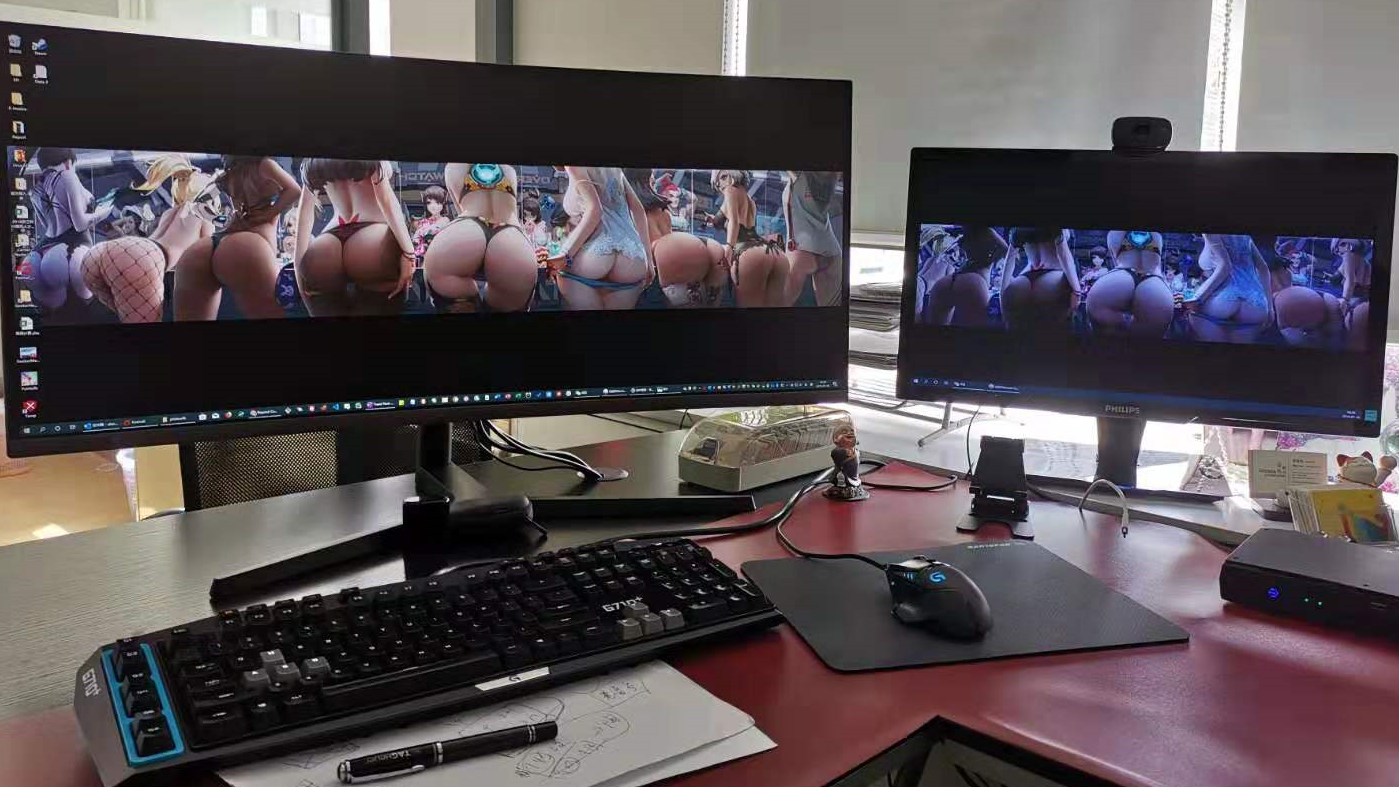
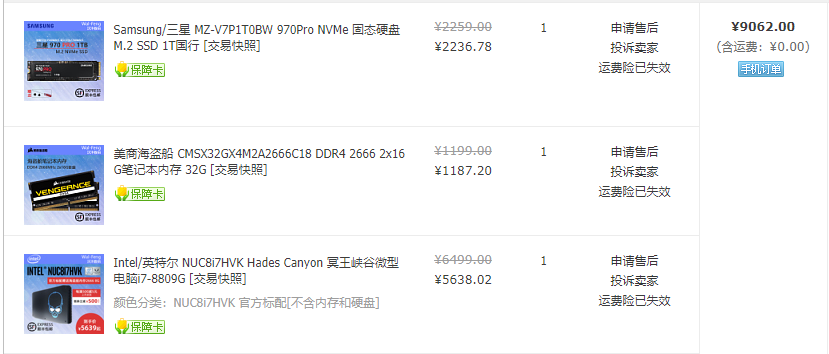
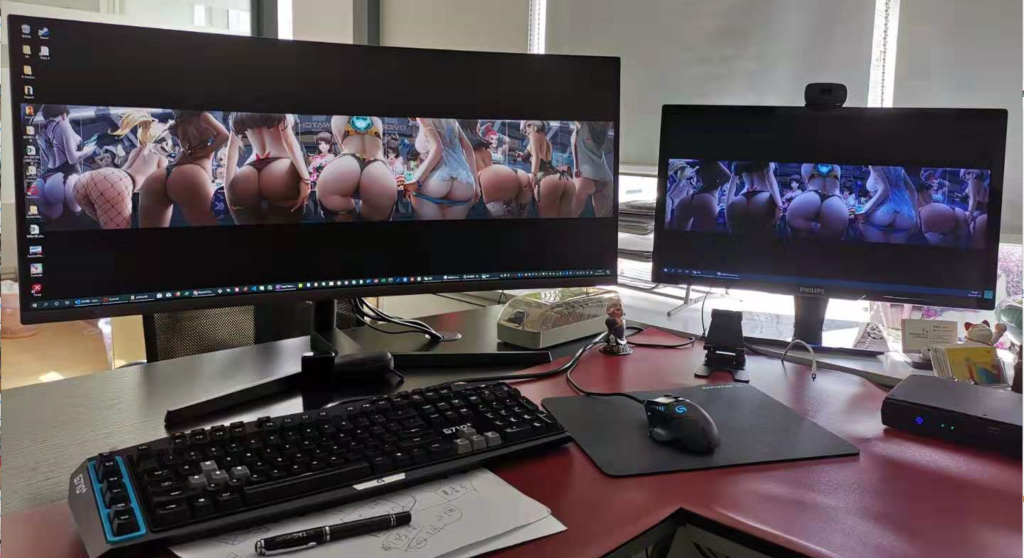
6.18活动来袭,这次买了个微型超强电脑,预计能用个5年吧。硬盘最贵,直接用了MLC Pro版本的,2236块多大洋,期待这样不用为缓存写满了而被降速而担心了。主机就是Intel NUC8i7HVK,就是有个酷酷的骷髅头的冥王峡谷最高配。其实用下来和华为Matebook X Pro 2018款速度差不多,当然可能玩游戏时应该显卡会更强大些。但是显卡也只能达到古墓丽影10的最低要求。办公来说还不错呢。
原先在自己的华为Matebook X Pro上直接用Ubuntu的启动U盘安装,选择与windows共存,一切非常顺利。这次在PC机上安装也成功,就是不出现GRUB启动界面,直接到grub>恢复界面。但是,如果用BIOS的UEFI启动,也就是按F8选择启动盘,win10和ubuntu18都能顺利启动。
The current session is in Legacy mode. Please reboot the computer, and use this software in an EFI session. This will enable this feature. For example, use a live-USB of Boot-Repair-Disk-64bit (www.sourceforge.net/p/boot-repair-cd), after making sure your BIOS is set up to boot USB in EFI mode.
Please write on a paper the following URL: http://paste.ubuntu.com/p/MQ8dPKFdZ3/
If you are experiencing boot issues, indicate this URL to people who help you. For example on forums or via email.