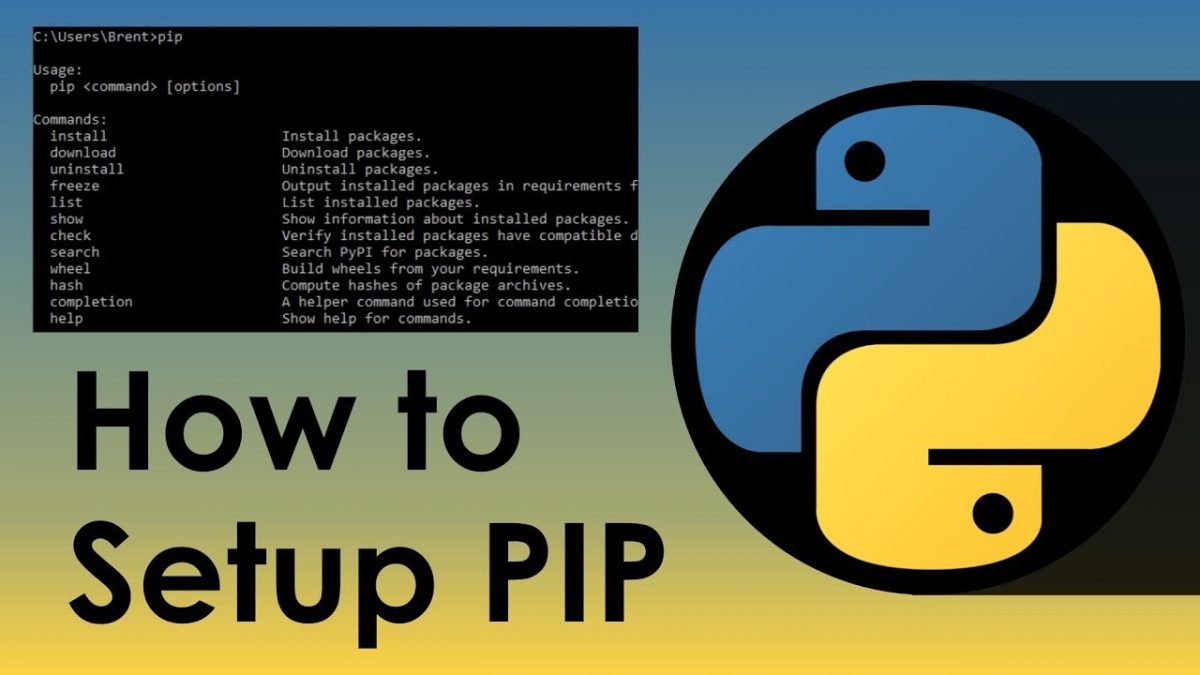

标签: pip

  • 国内PIP安装加速 临时和永久设置镜像的方法

    国内PIP安装加速 临时和永久设置镜像的方法

    永久加速PIP安装速度

    mkdir ~/.pip
    echo -e "\n[global]\ntimeout = 6000\nindex-url = https://pypi.tuna.tsinghua.edu.cn/simple\n[install]\ntrusted-host = pypi.tuna.tsinghua.edu.cn\n#extra-index-url=https://www.piwheels.org/simple">~/.pip/pip.conf

    验证一下

    cat ~/.pip/pip.conf

    临时加速PIP安装速度

    pip install email_validator pdfkit pdfminer -i https://pypi.tuna.tsinghua.edu.cn/simple --trusted-host tuna.tsinghua.edu.cn
  • Synology群辉NAS Python 3如何安装PIP

    Synology群辉NAS Python 3如何安装PIP

    Python 3通过API给NAS里的电源获取电影字幕碰到的第一个问题就是:你的群辉NAS没有安装PIP,无法安装Python模块。

    通过群辉应用商店安装的python 3,pip path:cd /volume1/@appstore/py3k/usr/local/lib/python3.8/site-packages

    确认没有,那么开始安装吧:

    curl -k https://bootstrap.pypa.io/get-pip.py | python3

    或者

    curl -O https://bootstrap.pypa.io/get-pip.py
    sudo python3 get-pip.py

    如果发现网络连不上pypa.io, 连接超时错误,如果有代理的话就:

    export http_proxy=http://192.168.1.X:1080
    export https_proxy=http://192.168.1.X:1080

    没有的话也不要急,用镜像地址也可以:

    python3 get-pip.py -i http://pypi.douban.com/simple/ --trusted-host pypi.douban.com

    确认一下pip或者pip3的安装路径,如果是/var/packages/py3k/target/usr/local/bin,那么:

    export PATH=$PATH:/var/packages/py3k/target/usr/local/bin

    或者

    echo "PATH=\$PATH:/var/packages/py3k/target/usr/local/bin" >> ~/.bashrc
    source ~/.bashrc 

    然后就可以用pip安装需要的模块了

  • python模块管理 pip临时使用及永久镜像配置

    python模块管理 pip临时使用及永久镜像配置

    pip安装依赖包速度很慢,此时您可能需要使用国内镜像来加速,特别是配置Home Assistant时,可能就是因为无法获取依赖包而配置失败。

    pip临时使用镜像安装python依赖包

    可以在使用pip的时候,加上参数-i和镜像地址,如果讨厌安全提示,添加 –trusted-host. 例如临时使用清华镜像安装python模块:

    pip install -i https://pypi.tuna.tsinghua.edu.cn/simple pandas --trusted-host tuna.tsinghua.edu.cn

    pip永久使用镜像安装python依赖包

    首先查看当前用户是否有pip配置文件:

    cat ~/.pip/pip.conf

    Windows的pip配置文件位于:

    %HOME%\pip\pip.ini

    by ITGeeker

    如果没有该文件,手动创建一个

    mkdir -p ~/.pip
    vi ~/.pip/pip.conf

    如果想使用阿里云镜像,请添加:

    [global]
    index-url = https://mirrors.aliyun.com/pypi/simple
    [install]
    trusted-host = mirrors.aliyun.com

    注意:新版ubuntu要求使用https源

    by ITGeeker

    如果你有root权限,那么就全局更改吧:

    echo -e "
    [global]
    index-url = https://mirrors.aliyun.com/pypi/simple
    [install]
    trusted-host = mirrors.aliyun.com
    extra-index-url=https://www.piwheels.org/simple">/etc/pip.conf
    cat /etc/pip.conf

    国内常用pip镜像包括:

    1. 阿里云 http://mirrors.aliyun.com/pypi/simple/
    2. 豆瓣http://pypi.douban.com/simple/
    3. 清华大学 https://pypi.tuna.tsinghua.edu.cn/simple/
    4. 中国科学技术大学 http://pypi.mirrors.ustc.edu.cn/simple/
    5. 华中科技大学http://pypi.hustunique.com/
奇客罗方公众号 奇客罗方小程序 奇客罗方客服 ITGeeker Telegram

网站由ITGeeker技术奇客开发并管理;隶属于GeekerCloud奇客罗方智能科技
Site designed and developed by ITGeekerwhich is a sub-website of GeekerCloud
网站地图 | 沪ICP备2021031434号-4